
RiskA CFD account can lose a large share of its balance in a short period.
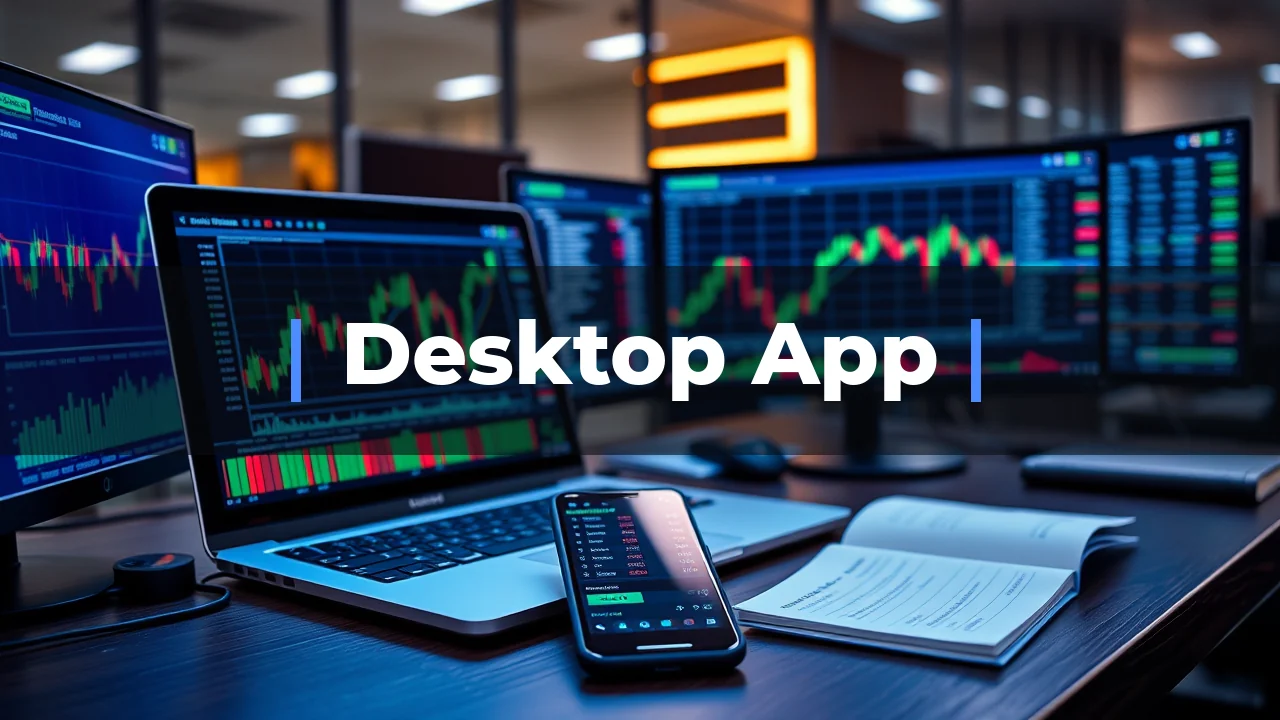
JustMarkets has a desktop app that brings your trading to a bigger screen. The app gives you access to MetaTrader 4 (MT4) and MetaTrader 5 (MT5), industry-standard platforms that run smoothly on Windows and Mac. For someone in Kenya looking to trade forex, indices, or metals on a desktop setup, this provides the full power of a computer for analysis and execution.
When you open an account and fund it with M-PESA, the desktop app is the tool you use for analysis and trade execution. It is not a different broker, just a different way to access your account. The PC app connects to the same accounts you would use on your phone, with more screen real estate for your charts.
Desktop Trading and Your Commitment
Trading from a PC is a step up in commitment. It means you are planning to sit down, look at charts, and make decisions with full attention. This usually leads to more careful trading than tapping buttons on a phone while commuting. The JustMarkets platform on PC gives you the same account you would have on mobile, so your trades, balance, and history all sync up.
The account structure matters. JustMarkets offers Standard, Cent, Pro, and Raw Spread accounts. The Standard and Cent accounts let you start from a $10 deposit, which is roughly KSh 1,300 depending on the exchange rate. The Pro and Raw Spread accounts need a bit more, starting around $100 to $200, but they offer tighter spreads for more active traders.
What You Get on the Desktop
On a desktop, you can run multiple charts at once, use advanced technical indicators, and place orders with hotkeys. MetaTrader 4 and MetaTrader 5 are the same platforms used by millions of traders globally.
The broker's instrument list is broad. You have access to forex pairs, indices, metals, energies, crypto CFDs, and stocks. For a Kenyan trader, this means you are not limited to just the dollar-shilling pair. You can look at gold, oil, the S&P 500, or Bitcoin, all from the same desktop terminal.
| Account Type | Minimum Deposit | Spread Type | Best For |
|---|---|---|---|
| Standard | $10 | From ~1.0 pip | New traders, simple pricing |
| Cent | $10 | From ~1.0 pip | Testing strategies with smaller risk |
| Pro | $100 | From ~0.5 pip (variable) | Regular traders who want lower costs |
| Raw Spread | $100 | From 0.0 pip + commission | Scalpers and active traders |
Funding Your Account with Local Options
JustMarkets supports deposits and withdrawals through M-PESA and local bank transfers. When you use M-PESA, you go to the deposit section in the app or web dashboard, select M-PESA, enter the amount in KES, and approve the payment on your phone. The deposit limit for M-PESA is around KES 250,000 per transaction, with a daily limit of KES 500,000.
The Real Costs of Desktop Trading
On the Standard account, you pay no commission, but the spread is around 1.0 pip on EUR/GBP. On a Raw Spread account, the spread can drop to 0.0 pips, but you pay a commission per trade. Every broker makes money on the spread or the commission.
The bigger cost consideration is currency conversion. If you fund your account in USD but deposit via M-PESA in KES, the broker converts your money at their exchange rate. This conversion cost is usually small, but it adds up if you are depositing and withdrawing frequently.
| Cost Item | Standard Account | Raw Spread Account |
|---|---|---|
| Commission | None | Yes, per lot |
| EUR/GBP Spread | From ~1.0 pip | From 0.0 pips |
| Minimum Deposit | $10 | $100 |
| Currency Conversion | Applied if KES to USD | Applied if KES to USD |
Where the Risks Lie
JustMarkets serves Kenyan clients through its global entity, Just Global Markets Ltd, which is regulated by the FSA in Seychelles (license SD088). It does not hold a licence from the Capital Markets Authority (CMA) in Kenya.
| + | Forex / CFDs | available |
| – | Local stocks | not available |
| – | US stocks | not available |
| + | Crypto | available |
| + | Commodities | available |
Your funds are not protected by the Kenyan compensation fund. You do not have the same safety net you would have with a locally licensed firm. The trade-off is access to higher leverage-JustMarkets offers up to 1:1000, while CMA-licensed brokers are capped around 1:400 for major pairs.
Who This Platform Suits
If you are a new trader who wants to learn on a desktop with a small account, the Standard or Cent account on JustMarkets is a reasonable place to start. The $10 minimum means you can learn the MetaTrader software and figure out if trading is for you. The M-PESA integration makes it easy to fund, and the desktop app gives you the same tools that professional traders use.
- Suits
- Demo, Pro, Raw Spread
- Swap-free account option
- Swap-free available
- Does not suit
- JustMarkets sits below a fully regulated top-tier broker because much of its business is supervised under lighter frameworks
- Currency note
- USD, EUR, ZAR, NGN
If you are an active trader who trades high volume, the Raw Spread account with its zero-pip spreads on major pairs can save you money, provided the commission structure works in your favor.
Who Should Look Elsewhere
If you want a broker that is directly supervised by the CMA in Kenya, JustMarkets is not the right choice. Roughly ten non-dealing brokers are licensed by the CMA. If you value local regulatory oversight and the ability to complain to a local authority, check the official register at licensees.cma.or.ke and pick one of those firms.
| Method | Deposit arrives | Withdrawal takes |
|---|---|---|
| M-PESA | varies | varies |
| M-PESA support | varies | varies |
| Alongside card | instant | 2-5 business days |
| Wallet options | instant | within 24 hours |
If you plan to trade very large sums, consider the offshore regulatory status carefully. While JustMarkets has operated since 2012 and rebranded from JustForex, it does not offer the same level of client fund protection that you would get from a broker regulated by a top-tier body like the FCA in the UK or CySEC in Cyprus.
Desktop App Versus Mobile
Compared to the mobile app, the PC version gives you more screen space for charts and faster order entry. You can see the whole market on one screen, set up multiple timeframes, and use Expert Advisors (EAs), which are automated trading scripts that run on MetaTrader. Mobile apps are good for checking positions but are not built for deep analysis.
| Platform | Runs on | Best for |
|---|---|---|
| MT4 | desktop / web / mobile | Forex and CFDs, expert advisors |
| MT5 | desktop / web / mobile | Multi-asset, more timeframes |
| MetaTrader 4 | desktop / web / mobile | Forex and CFDs, expert advisors |
| MetaTrader 5 | desktop / web / mobile | Multi-asset, more timeframes |
The desktop app is better for analysis, while mobile is better for convenience. If you are just starting out, use the desktop app for learning and the mobile app for quick checks. JustMarkets offers both, and they work together since your account is the same.
Tax and Legal Context
Trading forex is legal in Kenya and regulated by the CMA under the Capital Markets (Online Foreign Exchange Trading) Regulations, 2017. If you make a profit from trading, the Kenya Revenue Authority (KRA) treats it as ordinary income, not capital gains. Your trading profits are added to your other income and taxed on a graduated scale, with rates from roughly 10% up to a top marginal rate of 35%.
- Licence it holds
- FSA Seychelles
- What it covers here
- Not CMA licensed
- What it does not cover
- JustMarkets sits below a fully regulated top-tier broker because much of its business is supervised under lighter frameworks, while only one entity
- Where to check
- 1
Keep records of your trades and expenses. Deductible costs include platform fees, internet costs, and training materials. You file an annual return between January 1st and June 30th. If you trade through a company, the corporate rate is 30%.
The Honest Bottom Line
The JustMarkets desktop app works, the M-PESA funding is convenient, and the $10 minimum deposit makes it easy to start. The platform is solid, the instruments are broad, and you get access to the global forex market from your PC in Kenya.
The catch is the regulatory distance. You are trading with an offshore entity under Seychelles regulation, without a CMA licence. This is not a scam warning-JustMarkets is a legitimate international broker founded in 2012. But it is a structural fact: you have no local ombudsman or compensation scheme to fall back on if a dispute arises.
What to Remember
Six months from now, the platform matters less than your discipline. JustMarkets gives you the tools, M-PESA makes funding easy, and the desktop app gives you a professional setup. The broker will not make you profitable, and the platform will not make you lose money.
What will matter is whether you learned to manage risk, whether you kept your position sizes small, and whether you treated this like a business instead of a lottery ticket.
Reader questions
Can I trade on JustMarkets PC app without downloading MT4 or MT5?
No. The JustMarkets PC experience is built on MetaTrader 4 and MetaTrader 5. You need to download one of these platforms from the JustMarkets website, log in with your account credentials, and start trading. There is no separate proprietary desktop app.
Is the JustMarkets desktop app free to use?
Yes, MetaTrader 4 and MetaTrader 5 are free to download and use. You only pay trading costs, which are either the spread or the commission depending on your account type. The Standard account has no commission, while the Raw Spread account charges a commission but offers tighter spreads.
Does the JustMarkets PC app work on a Mac?
MetaTrader 4 and MetaTrader 5 have versions for Windows and Mac. You can download the Mac version from the JustMarkets website. If you have an older Mac, you can also use the web-based version in your browser.